Multi-Chat with Event Feed
Twitch, YouTube, Kick, and Seey chats combined into a single event feed.

Seey is a desktop app for streamers + a seamless Telegram Web App for viewers. Add widgets to your overlay, communicate via multi-chat, and earn revenue through Telegram Stars micro-transactions.
Beta Test • Free at Launch • No Credit Card or Registration Required
Improved Ecosystem
Get all tools in one place, unite your viewers.
Real-time messages and events
Quick Start
Setting up Seey takes less than 5 minutes. Here is how it works in practice:
Authorize the app via your Telegram bot. You can also connect streaming providers there.
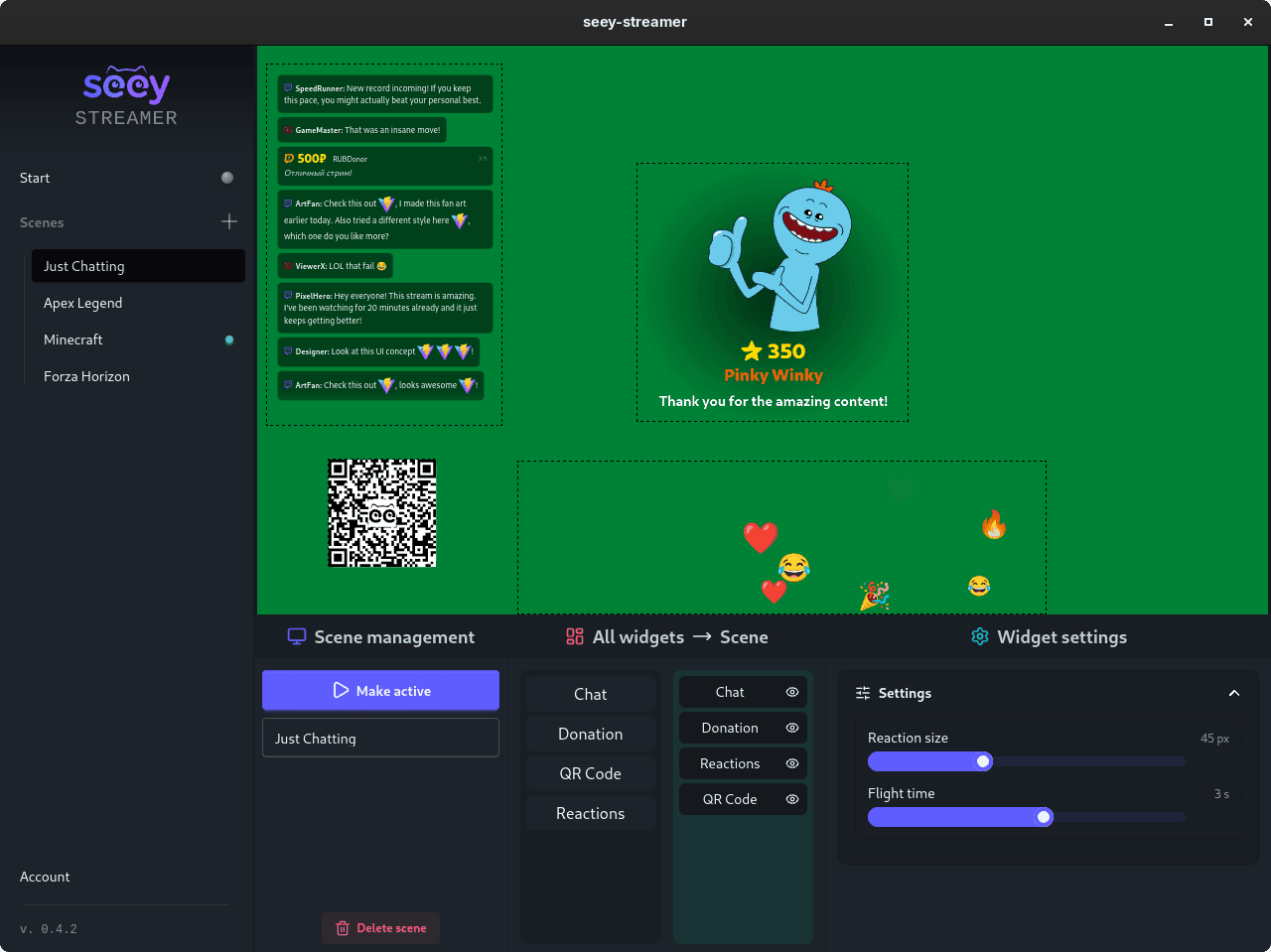
Create a scene and arrange the widgets you need, including the QR code for viewers. Add the overlay to OBS with the provided URL.
Receive messages in multi-chat, animated reactions, donations, and stickers via Telegram Stars micro-transactions.
Forget about bureaucratic hassles and tax reports. Viewers buy Telegram Stars and spend them on interactions. Earned Stars can be withdrawn to TON directly to your wallet on request.
During the stream, viewers spend Stars on interactions like stickers, donations, and special messages.
Any micro-transaction instantly tops up your balance on the service.
Request a Stars withdrawal to your TON wallet directly from the app.
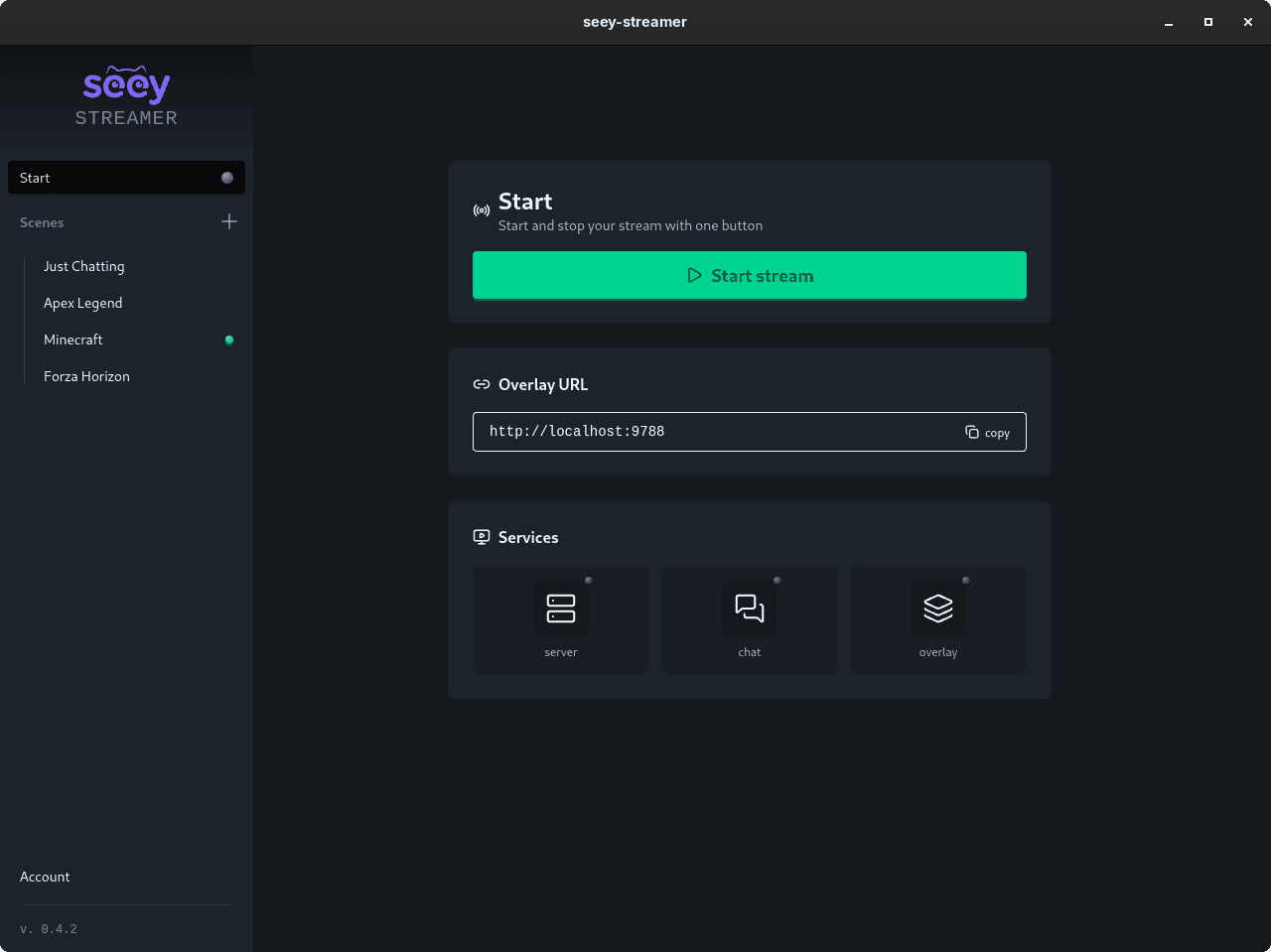
Forget about managing multiple services and apps — all the streamer tools you need are now in one place. Optimized for local hosting and high performance without overloading your PC.
A clean, easy-to-use interface that even a beginner can figure out in seconds.
Create and customize different scenes for various stream formats and events.
Add, resize, and configure widgets effortlessly even during a live stream.
Update the application automatically in one click to instantly receive new features.
Available natively for all major desktop platforms: Windows, macOS, and Linux.
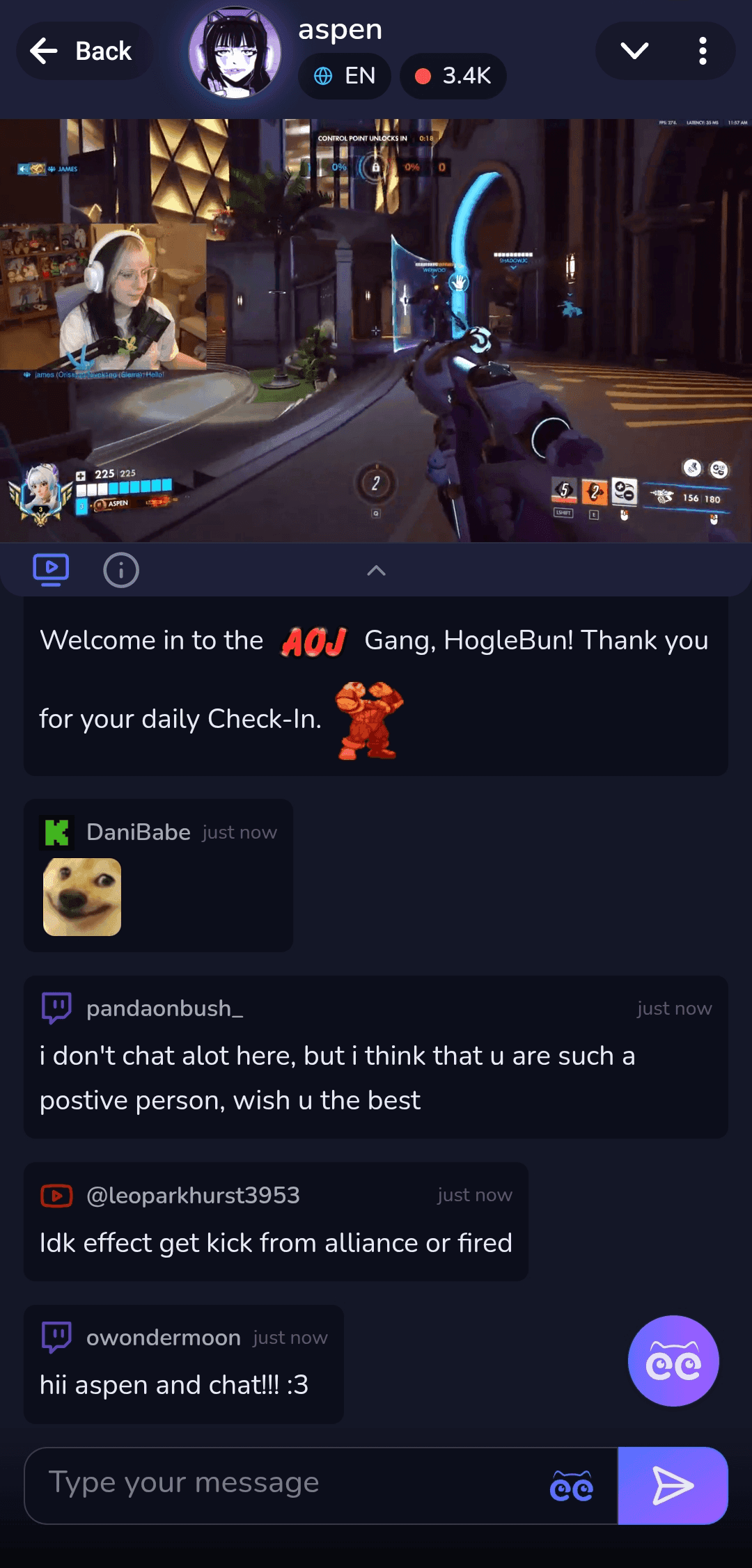
Viewers don't need to download extra software or register. Scanning the QR code opens the app directly inside Telegram. Viewers watch the stream on a big screen and interact via Seey, using their phone as a remote control.
Viewers watch the stream and chat on a single screen.
A unified chat and event feed — not a single important moment will be missed.
Built-in donations and micro-payments in Telegram Stars, no redirects, no bank cards.
Boost viewer engagement with convenient interaction tools and instant response.
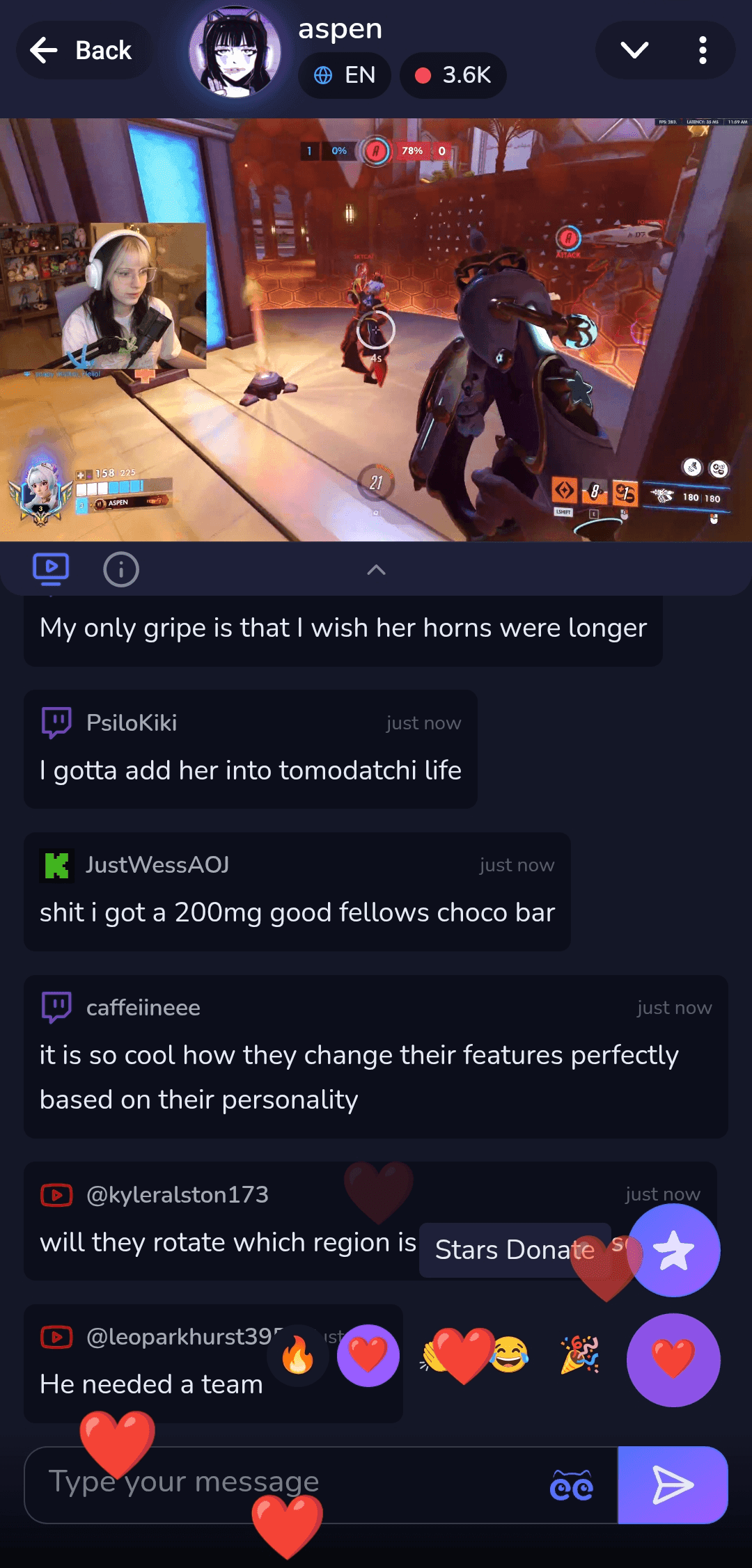
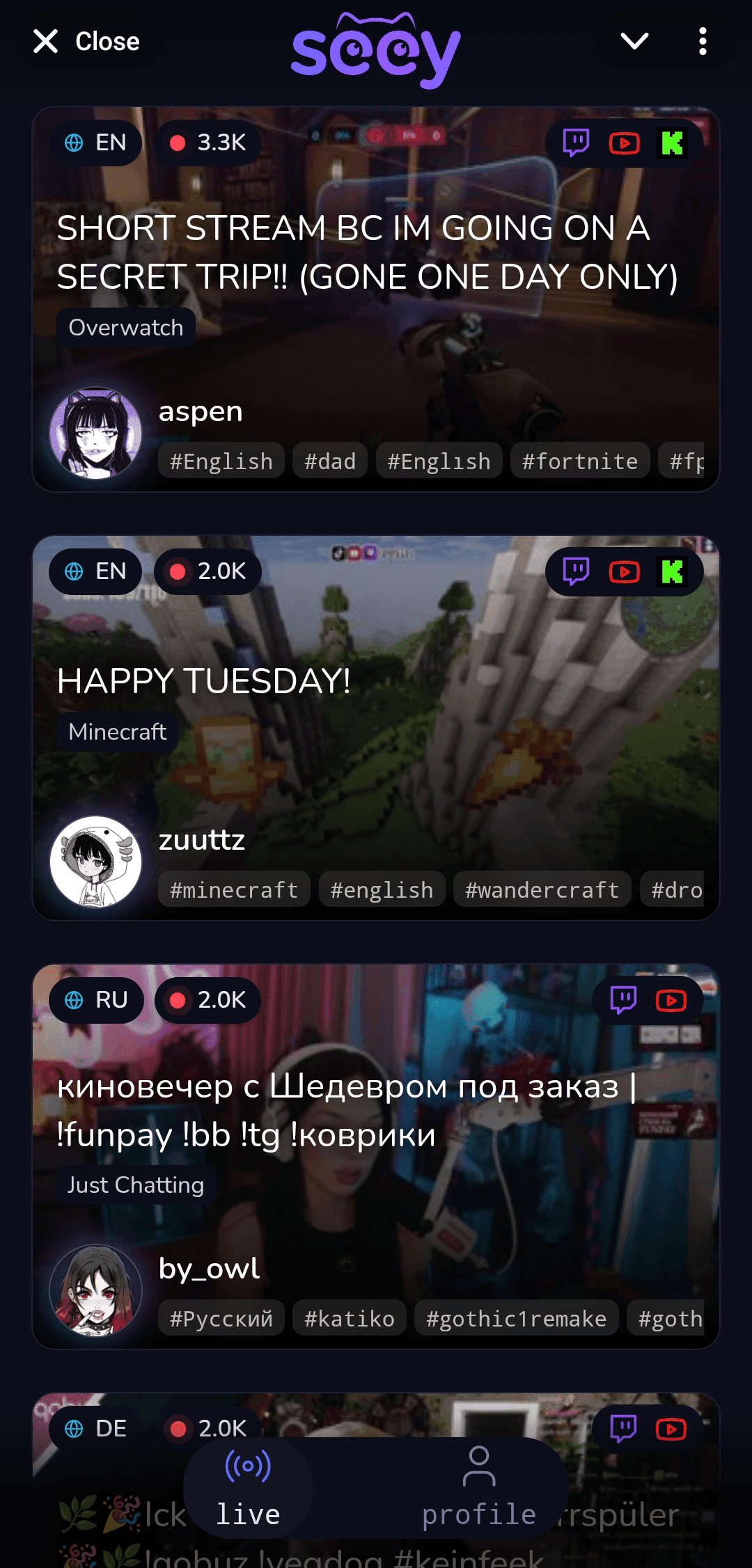
Live stream and multi-chat in one screen
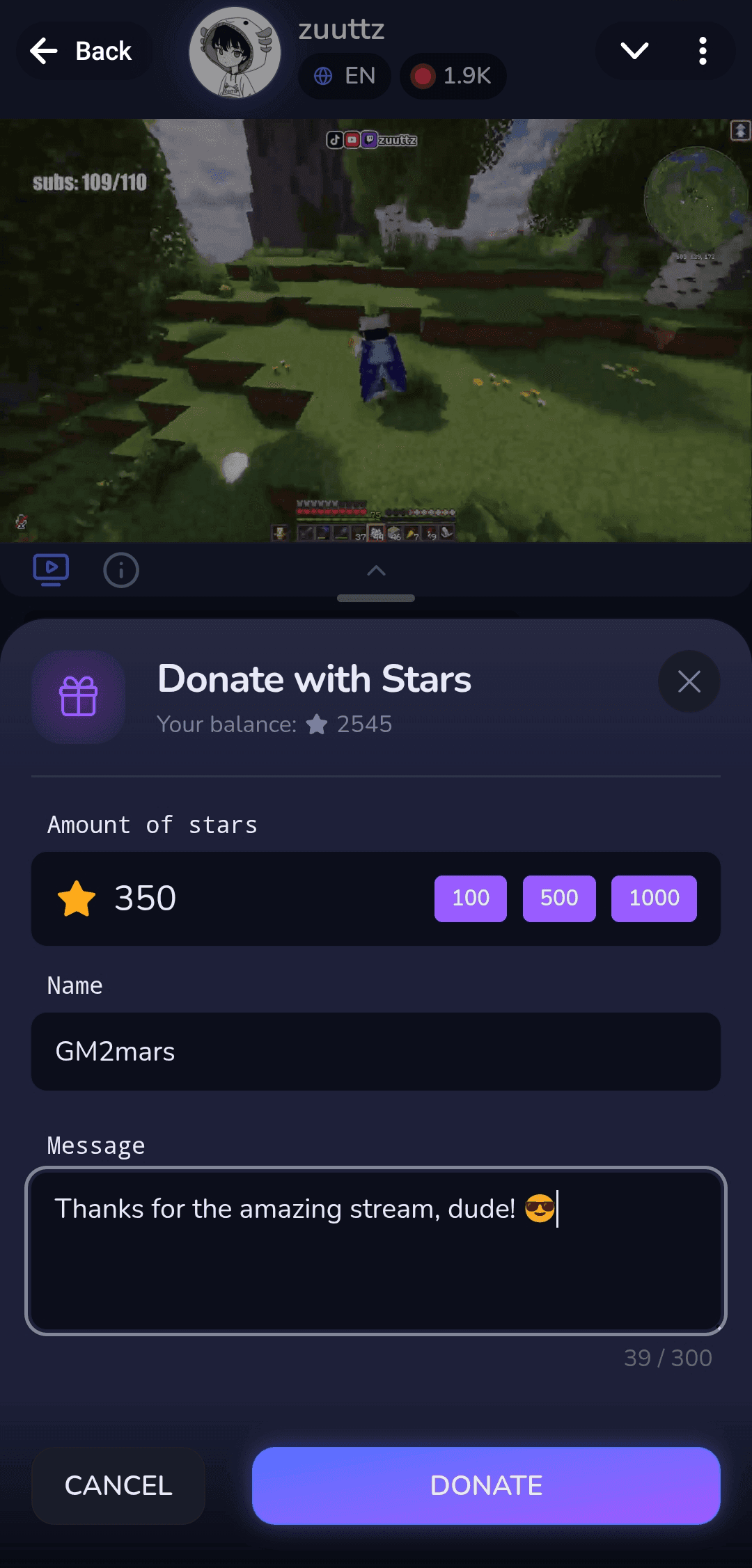
Quick Telegram Stars sending
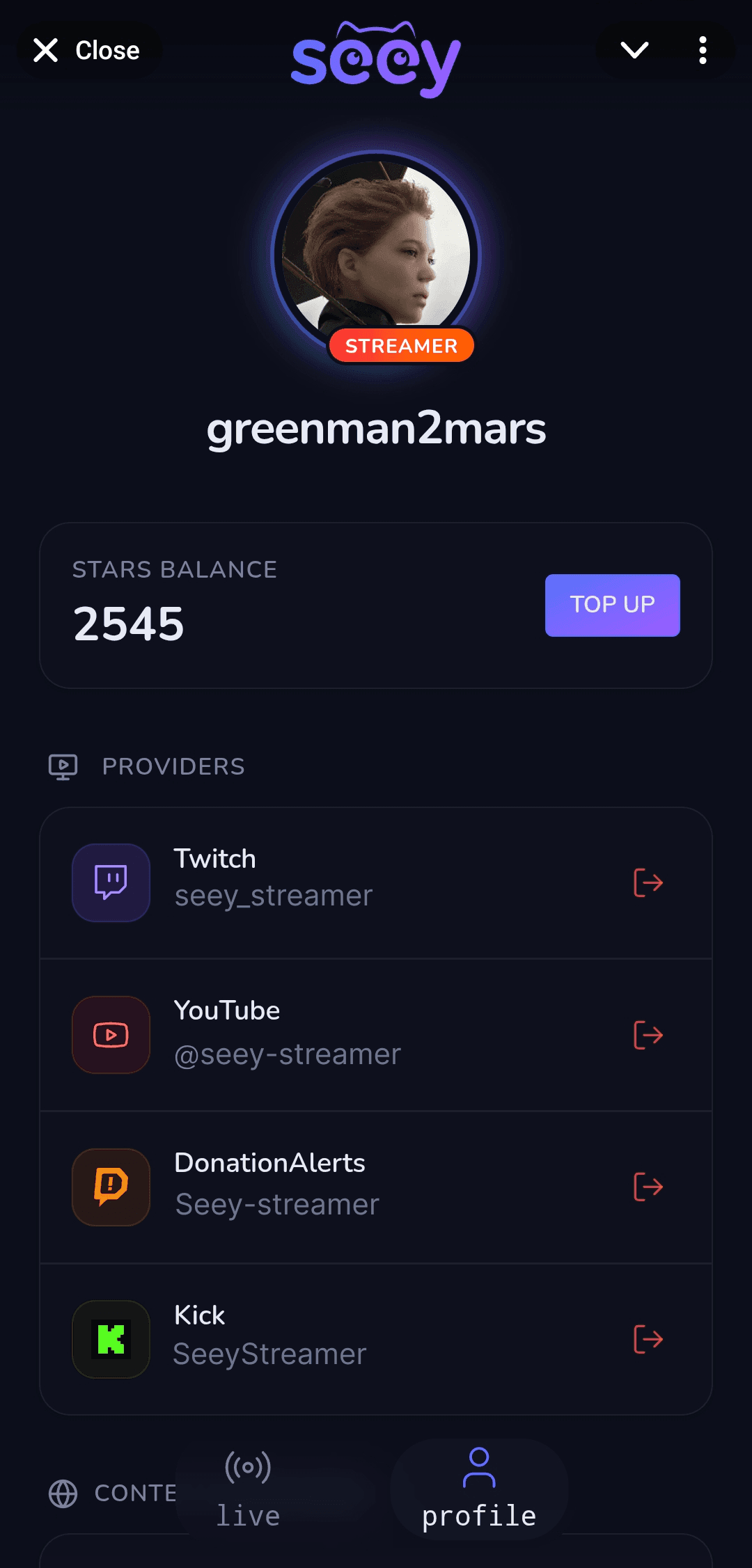
Stars balance and connected providers
Scene Widgets
Forget about heavy third-party apps — use local tools with minimal system load.
Twitch, YouTube, Kick, and Seey chats combined into a single event feed.
Instant stream alerts for viewer tips and donations from Seey and DonationAlerts.
Interactive visual screen reactions, floaters, and emojis triggered by viewers.
Generate QR codes and custom links for instant viewer onboarding.
Display responsive progress bars to track subscriber counts and donation collections.
Host interactive chat voting, prediction pools, and viewer bets.
Run automated drawings and raffles directly among your stream audience.
Viewers pay with Stars to pin and highlight messages for the streamer.
Let viewers overlay animated stickers directly onto your stream screen.
Interactive mini-games for viewers right during the live broadcast.
Launch Scenario
Spend no more than 10 minutes to fully connect and configure your stream.
Quick and easy installation for your system.
Connect Seey Streamer to your Telegram account for a secure connection.
Authorize your Twitch, YouTube, and Kick accounts in the Seey Telegram app.
Set up your overlay scene by selecting and arranging the widgets you need.
Copy the widget URL and paste it into OBS as a browser source.
With one button, launch the overlay, multi-chat (for connected providers), and the Seey Telegram broadcast.
Attract viewers with interactions and withdraw Stars directly to TON.
Answers
Still have questions about how Seey integrates with your stream?
Estimate your potential monthly revenue based on your audience size and engagement rate.
* Calculations are preliminary estimates. Figures are calculated after deducting a 20% service commission and a 5% Fragment withdrawal fee when converting Stars to TON (total 25%). Actual revenue depends entirely on viewer engagement and is not guaranteed by the service.