Run Your Stream
Without the Hassle
Chat, alerts, reactions, donations, and more — all in one place.
Seey is an ultra-lightweight application for streamers and an interactive Telegram web app for viewers. Set up overlays, manage your stream, read multi-chat from your phone, and monetize your broadcasts via Telegram Stars microtransactions.
How to Start
Launch in 3 Simple Steps
Setting up Seey will take you no more than 5 minutes. The process is fully simplified:
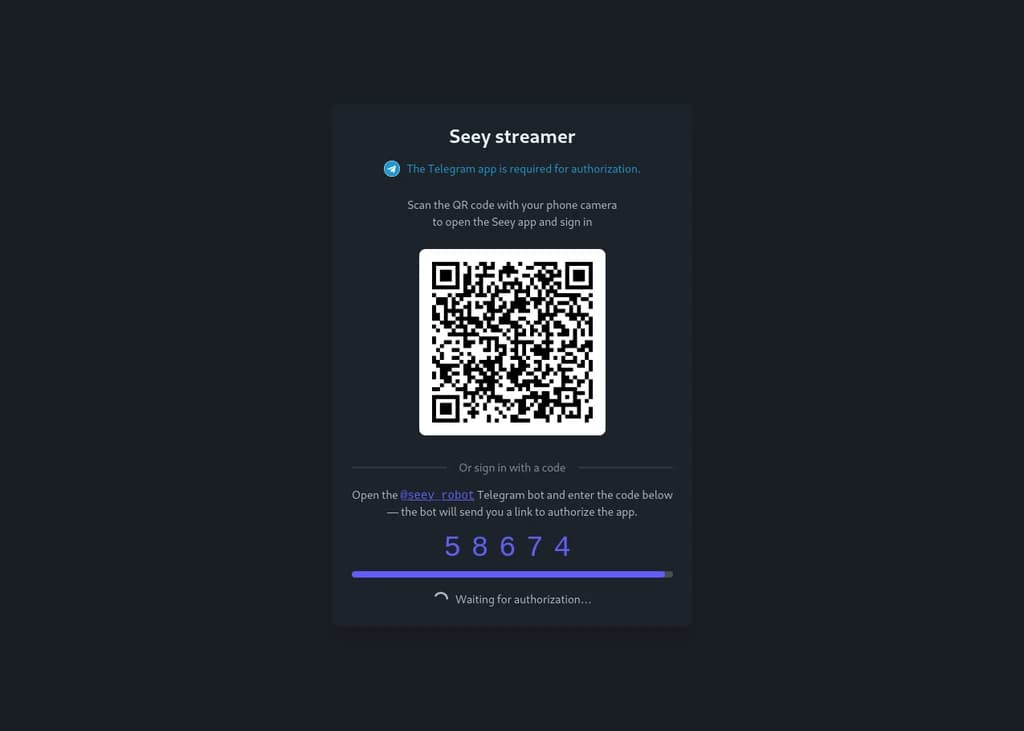
Authorization and Connection
Download the client, log in securely with one click via Telegram, and connect your Twitch, YouTube, or Kick accounts.
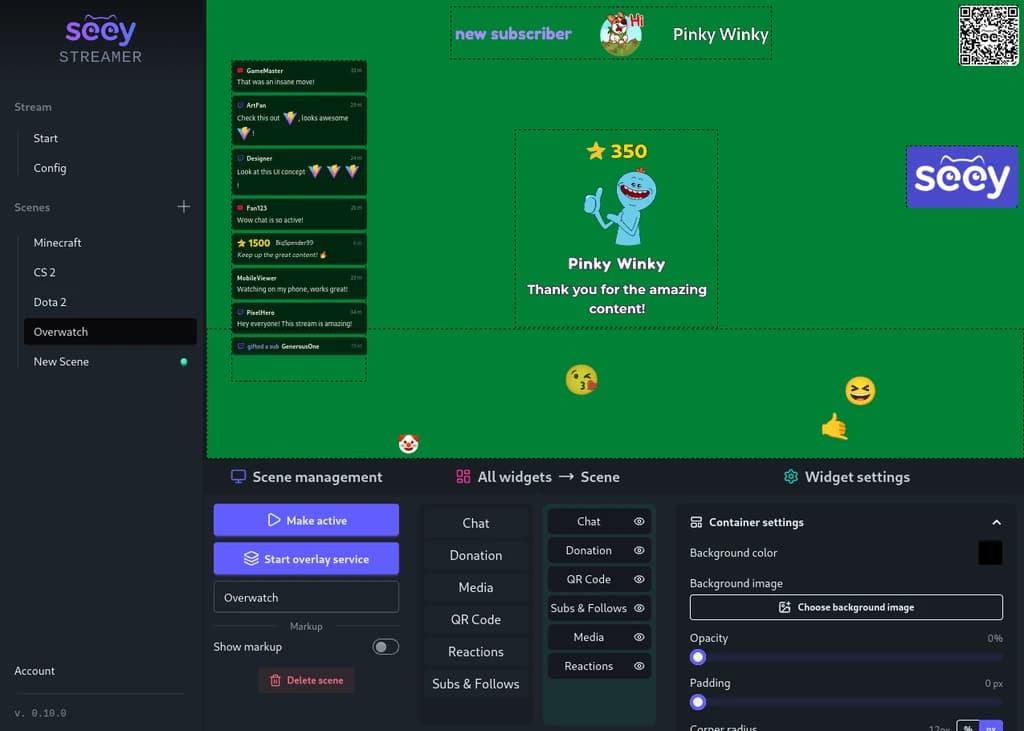
Scene and OBS Setup
Add the required widgets to the scene, copy the overlay link, and insert it into OBS as a Browser Source.
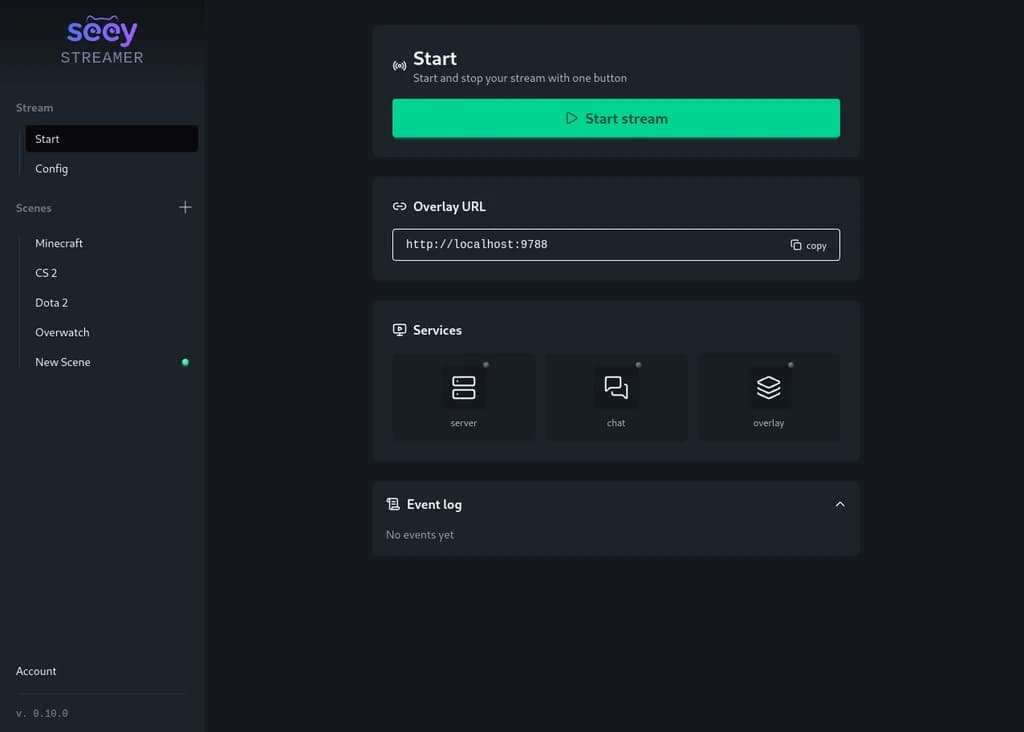
Launch Stream and Interactivity
Start the broadcast. Viewers watch the stream on a big screen, while chatting, sending reactions, and donating via their smartphones.
Widgets
Complete Customization & Control
All widgets run locally in a single unified overlay. Customize the design to match your style.
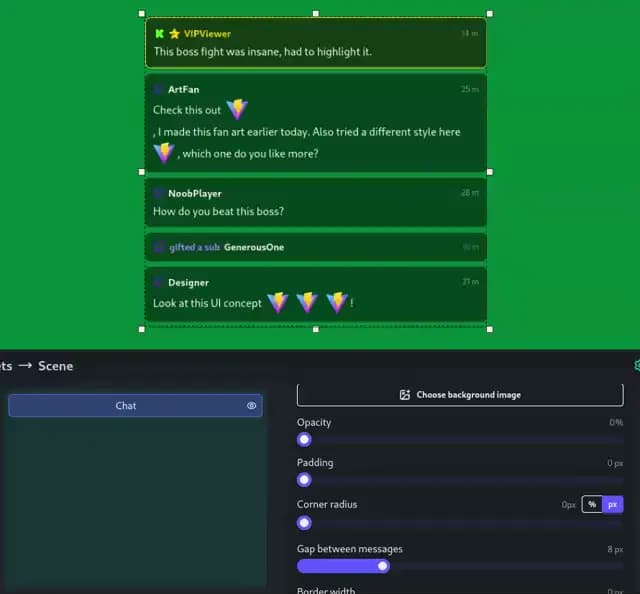
Multi-Chat with Event Feed
Twitch, YouTube, Kick, and Seey — messages and events are combined into a single feed. Send stickers and emotes in messages.
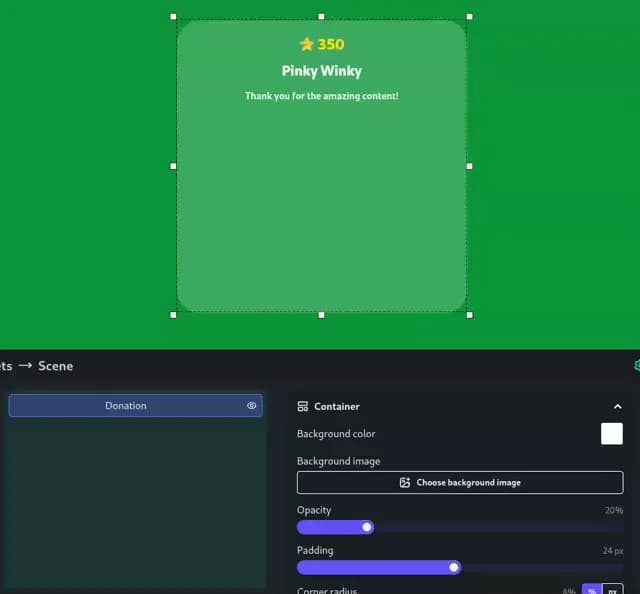
Donation Alerts
Vibrant animated alerts for Telegram Stars and DonationAlerts tips. Customizable visuals and sounds that instantly grab attention.
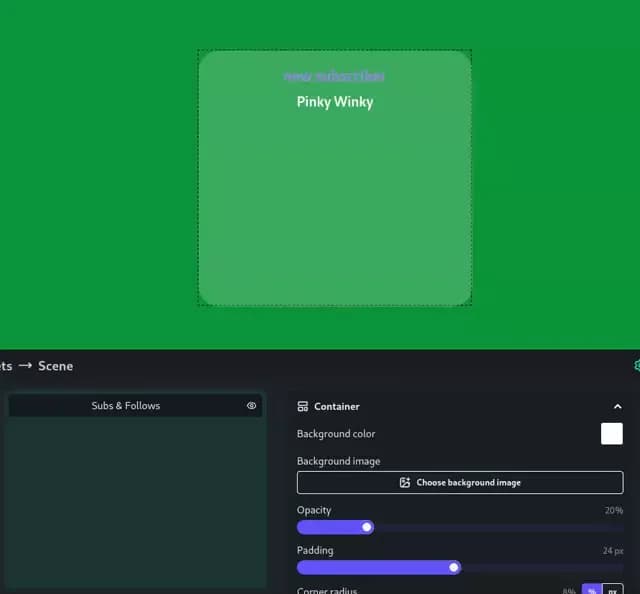
Stream Events
Notifications for subscriptions, follows, and raids from Twitch, YouTube, and Kick — every important event highlighted on screen in real time.
Media Widget
Displaying pictures, GIFs, or videos — a convenient format for advertising and content variety.
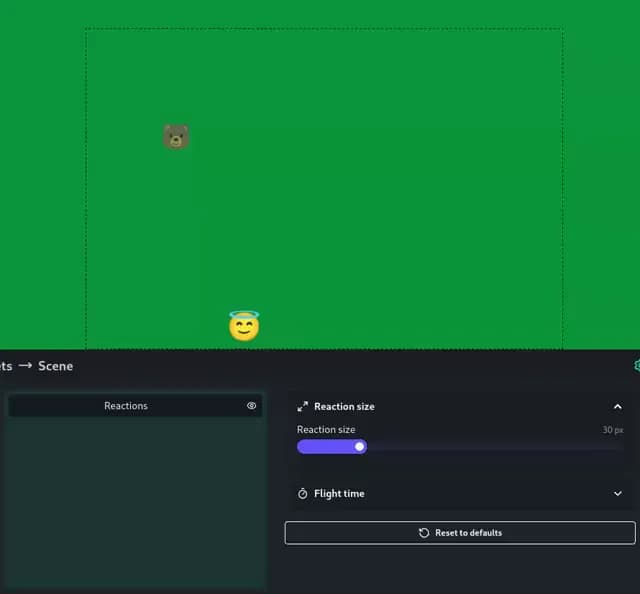
Real-Time Reactions
Emojis flying across the screen from viewers, creating a lively atmosphere. You choose which emojis are available to viewers.
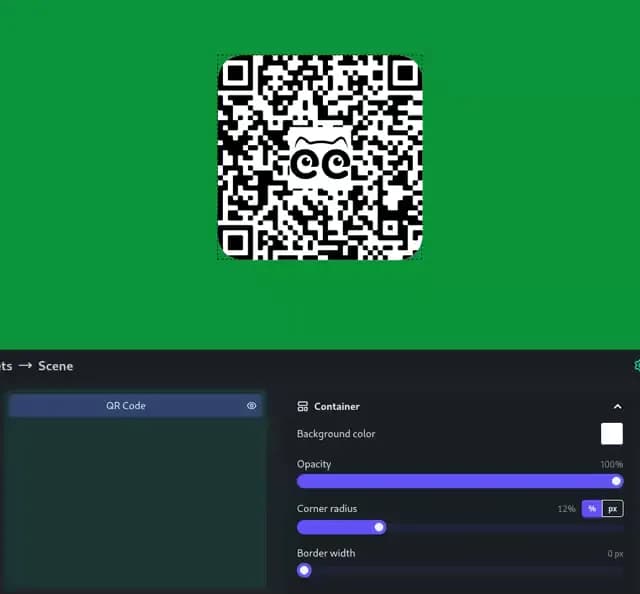
QR Code
A stylish QR code on the screen for a quick transition to the Telegram Mini App. Can be used for any links.
Comparison with other services
Why Seey is what you need?
Forget about complex, heavy applications and dozens of open browser tabs. Seey is designed specifically for easy onboarding and simple usage.
Other services
- Heavy and complex clients that overload CPU and RAM during the broadcast
- Cluttered web tools requiring registrations and subscriptions
- High hidden commissions of payment systems when withdrawing donations
- Difficult viewer onboarding - everyone stays on their platform with limited functionality
- No direct interactivity with viewers - chat is the only point of interaction
- Need for a second monitor only to read chat and event feed
Seey Streamer
- Lightweight native client — runs instantly and saves PC resources
- Place widgets on a single scene, create scenes for each type of broadcast
- Low and transparent commissions (20% standard, 10% with a Pro subscription)
- Instant login via QR code straight into the Telegram Mini App, no installation or registration
- Unique mobile interactivity: chat, reactions, and donations right on the smartphone
- The streamer can read chat and event feed from a smartphone, and all important events will be pinned
Mobile App
Turn the phone into a second screen
Seey for viewers is a Telegram Web App that turns any smartphone into a second screen for the stream — chat, react, donate and send highlighted messages without ever leaving the action.
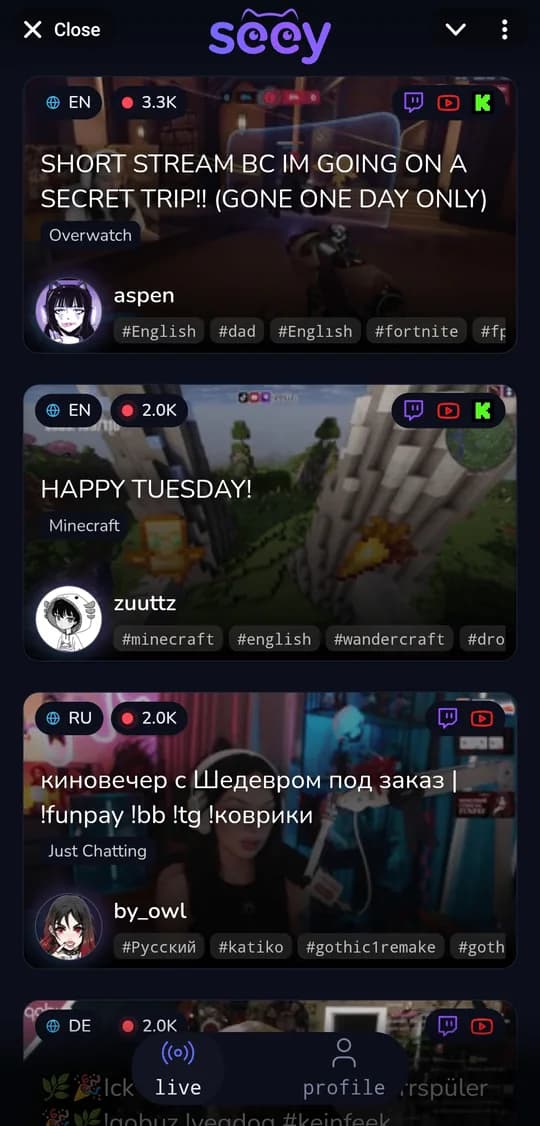
Live discovery
Browse live streams from Twitch, YouTube and Kick in one feed and jump straight in.
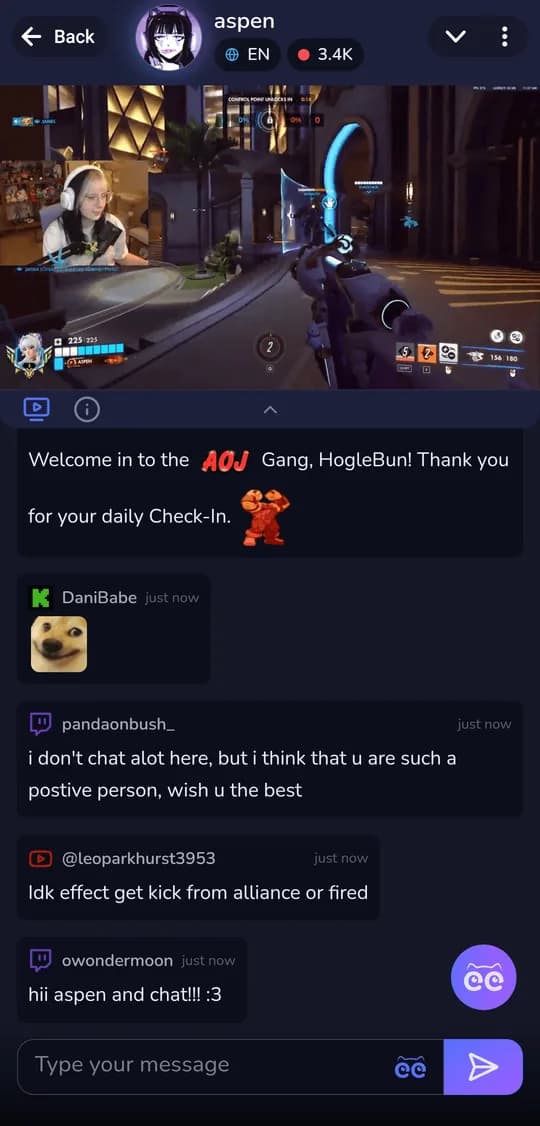
Co-watch & chat
A single chat that merges messages from every platform — reply with stickers and emotes.
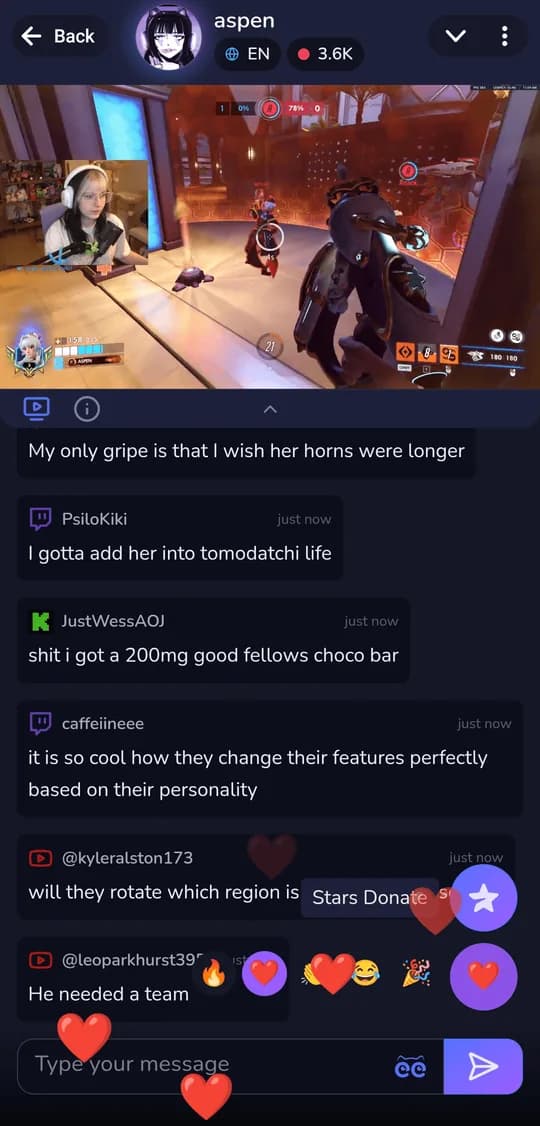
Live reactions
Send emojis that fly across the stream overlay and light up the broadcast.
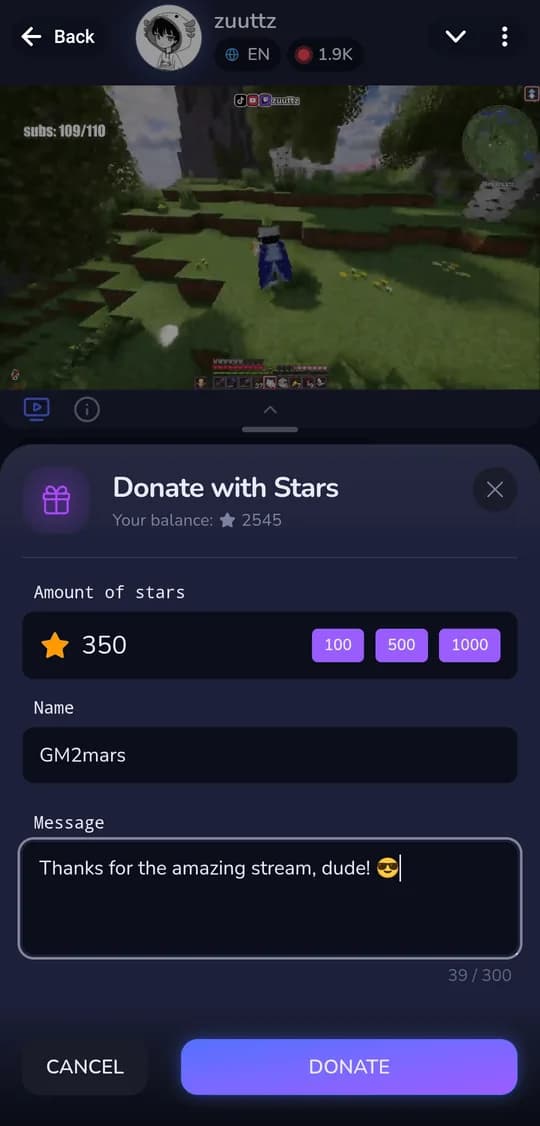
Donate with Stars
Support streamers with Telegram Stars in a couple of taps — fast and low-commission.
Highlighted messages
Pin your message on screen so the streamer can't miss it.
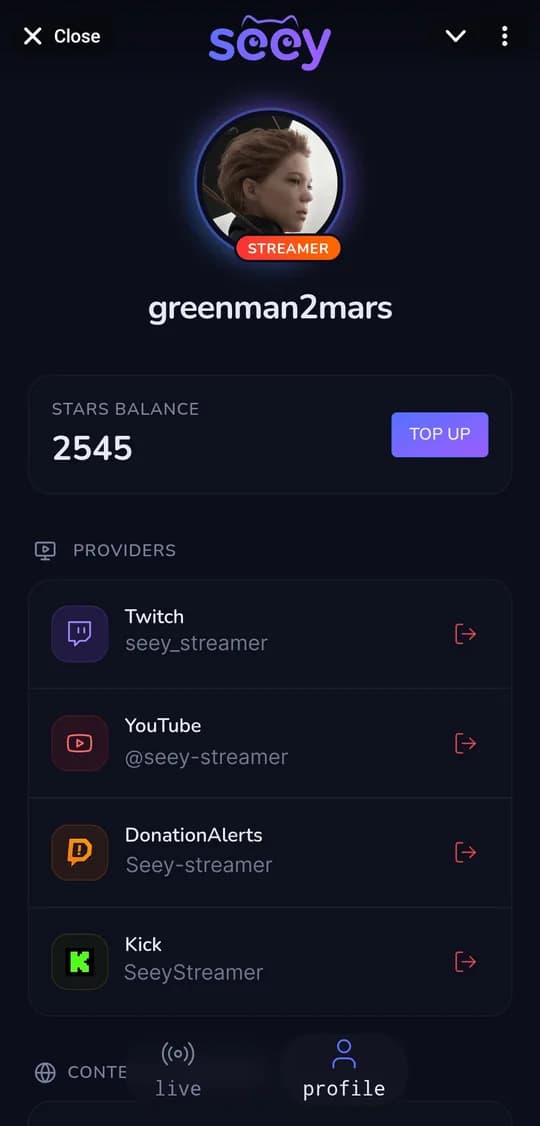
One profile
Manage connected accounts and your Stars balance from a single profile.
Scan, and you're in
Scan the QR code right from the stream and start using Seey instantly — no install, no sign-up.
Web3 Monetization
Turn Viewer Activity into GRAM (ex. TON) Income
Forget about bureaucratic red tape and tax reports. Viewers spend Telegram Stars on interactions. Earned Stars are withdrawn to GRAM directly to your wallet on request.
Viewers Spend Stars During the Stream
During the stream, viewers spend Stars on interactions like stickers, donations, and special messages.
Stars Are Credited to Your Account
Any microtransaction instantly tops up your balance on the service.
Withdraw to GRAM
Request a Stars withdrawal to your GRAM wallet directly from the app.
Try now
Download Beta Version
Forget about dozens of services and apps — all streamer tools are now in one lightweight app, completely free and with no registration. Telegram messenger is required for activation.
Download and install the application. At first launch, a system window will appear warning that running the application might not be safe. Under the warning, there is a link button "More info". Click on it. After that, a "Run anyway" button will appear. Click this button to start the application.
Microsoft and Apple require applications to be signed with a developer certificate, otherwise they issue a warning that "the application may be unsafe". But this does not mean the application is unsafe; it just means the system does not recognize the application. Below are instructions on how to install and run the application.
FAQ
Frequently Asked Questions
Everything you need to know about Seey's features and benefits
Yes, the basic version of Seey Streamer and all core widgets are free. We charge a transparent commission on withdrawn donations (20% by default and only 10% if you have an active Pro subscription). No hidden fees.
Most streaming programs are written in heavy and slow web technologies, eating up RAM and CPU. The Seey client is developed using modern technologies: it occupies 10 times less memory and runs faster, preserving FPS in your games.
No! That is the beauty of Seey. The viewer just needs to point their phone camera at the QR code or click the link in the description. The Telegram Mini App will open instantly right inside Telegram. They can immediately chat and interact with the stream.
We support integration with Twitch, YouTube (read-only), and Kick. All messages and events (subscriptions, follows) are combined into a single feed in real-time.
Your viewers can send donations, paid messages, or request media using Telegram Stars. Stars accumulate on your balance and are withdrawn as GRAM cryptocurrency to any wallet (Wallet, Tonkeeper) without red tape and limits.
Absolutely. Authorization occurs through official OAuth protocols of Twitch, Google, and Kick. We do not have access to your passwords and personal data.